DESIGN SHOWCASE · DEMO-082
Ribbon accessory collection concept
A visual starting point for your own decorated product.
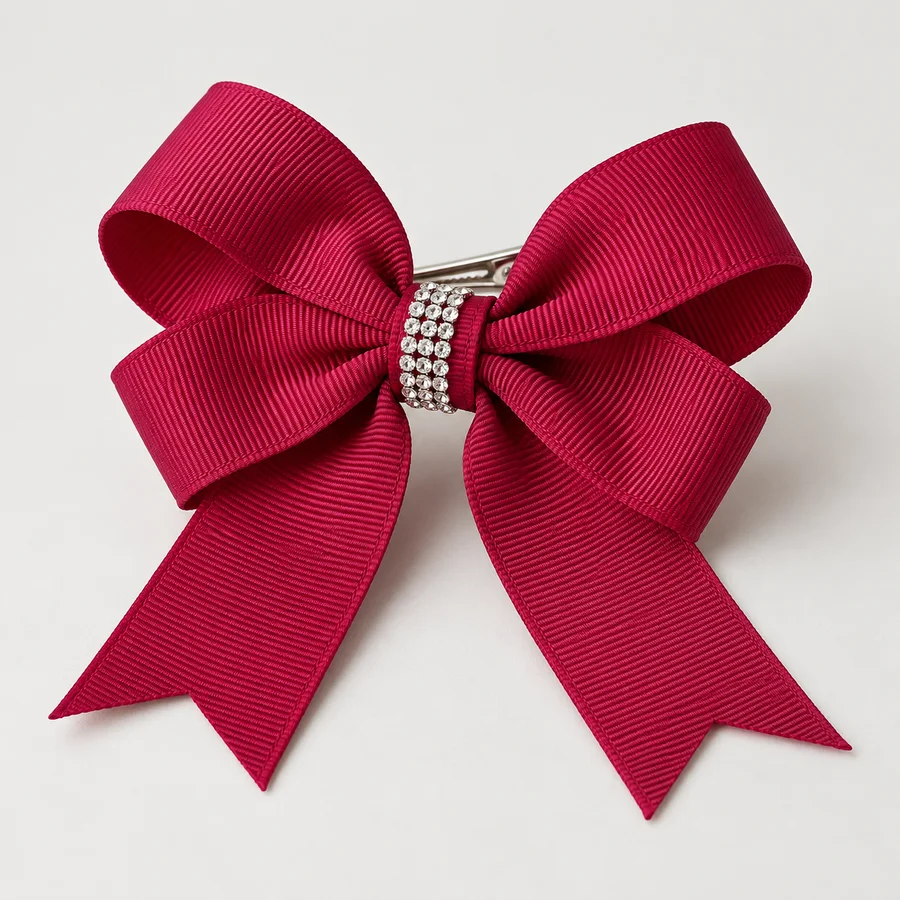
DEMO-082 · AI CONCEPT
Ribbon accessory collection concept
An original visual concept for preparing a custom decoration brief. Specifications and availability are to be confirmed.
Use this image to discuss visual direction. It is not a finished sample or a representation of available stock.
Back to the library ↗MAKE THE FIRST DISCUSSION USEFUL
A small brief.
A clearer starting point.
BEFORE YOU START
QUESTIONS,
ANSWERED.
Practical notes for preparing an enquiry.
See all project questions ↗Are these actual stocked products?+
These are AI-created demonstration concepts for reviewing the website. Product availability, specifications and commercial terms must be supplied and approved before launch.
Can I submit my own artwork?+
Yes. A clear artwork file, intended size and application surface provide a useful starting point. Use only sample files in this sandbox.
How is a heat transfer checked?+
Confirm the decoration method with the supplier and test the approved sample on the intended fabric. Temperature, pressure and dwell time depend on the materials.
What is the minimum order quantity?+
MOQ is a quotation field. It has not been set for these demonstration records.
Can different products share one design direction?+
A motif can be reviewed across garments, totes and accessories. Each base needs its own construction and application check.
Can a motif be adapted for different product sizes?+
Review each finished size separately. Crystal spacing, fabric movement and attachment details can change when a design is resized.
What should I include for delivery planning?+
State the destination, required arrival window and packaging needs. Shipping terms and production timing remain subject to the quotation.
Which artwork formats can I try in the sandbox?+
The test form accepts PNG, JPG, WebP and PDF files up to 70 MB. Use a harmless sample file rather than confidential artwork.
How will the real catalog be added later?+
Map existing product IDs, categories, variants, photos and old URLs into the new structure. Review the imported data in this sandbox before planning a launch.
What happens when I submit this form?+
The sandbox validates the form, displays a confirmation and sends no email. Submitted details and artwork are not saved in the product database.